Features

Everything on your home screen is built for trades work — not generic office software.

AI assistance tile artwork

Ideal Solutions Pro AI Assistance

Estimates, materials, codes & jobsite help

Ideal Solutions Pro AI Assistance

Estimates, materials, codes & jobsite help

Ask AI for estimates, material lists, code questions, and jobsite guidance without leaving the field. Daily limits apply on lower tiers; Bossman and above include unlimited fair-use AI.
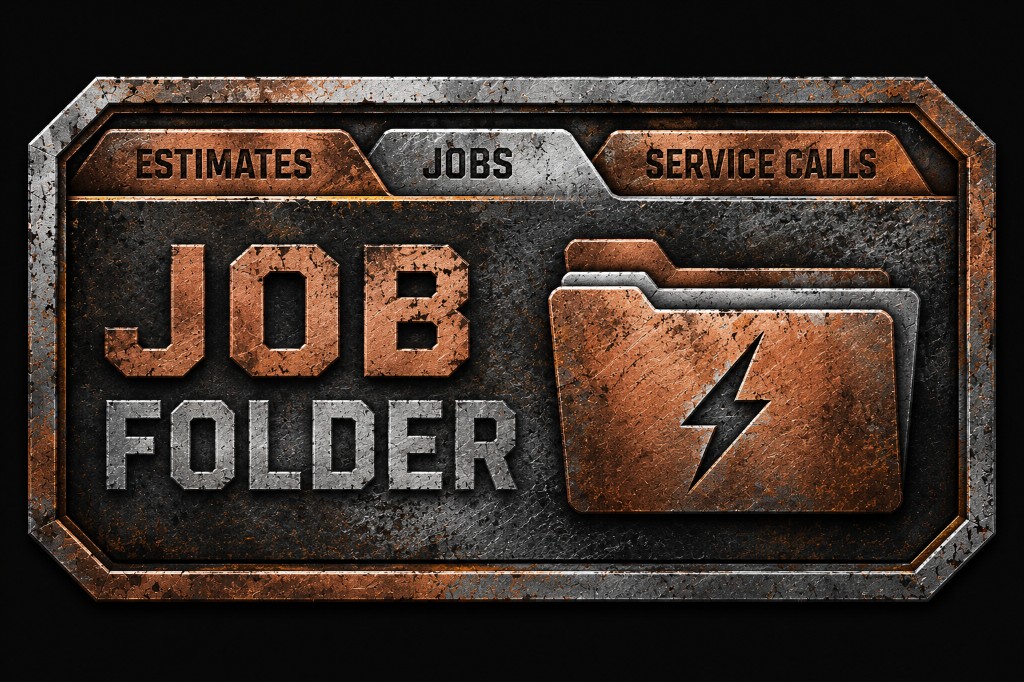
Job Folder tile artwork

Job Folder built for contractors

Customers, jobs, photos, and reports in one place

Job Folder built for contractors

Customers, jobs, photos, and reports in one place

Organize customers, active jobs, crew assignments, photos, and job reports from a single hub designed for trades work — not generic project management.

Materials search

Find materials fast

Search suppliers and build lists on the job

Find materials fast

Search suppliers and build lists on the job

Search Home Depot, Lowe's, Ace, and supply houses (Bossman+) to build material lists while you're on site instead of guessing from memory.

Estimates and accounting

Professional estimates

Create, send, and track estimates from the field

Professional estimates

Create, send, and track estimates from the field

Build estimates with photo-to-estimate uploads on paid tiers. Save and track estimates as your business grows from side jobs to full crews.

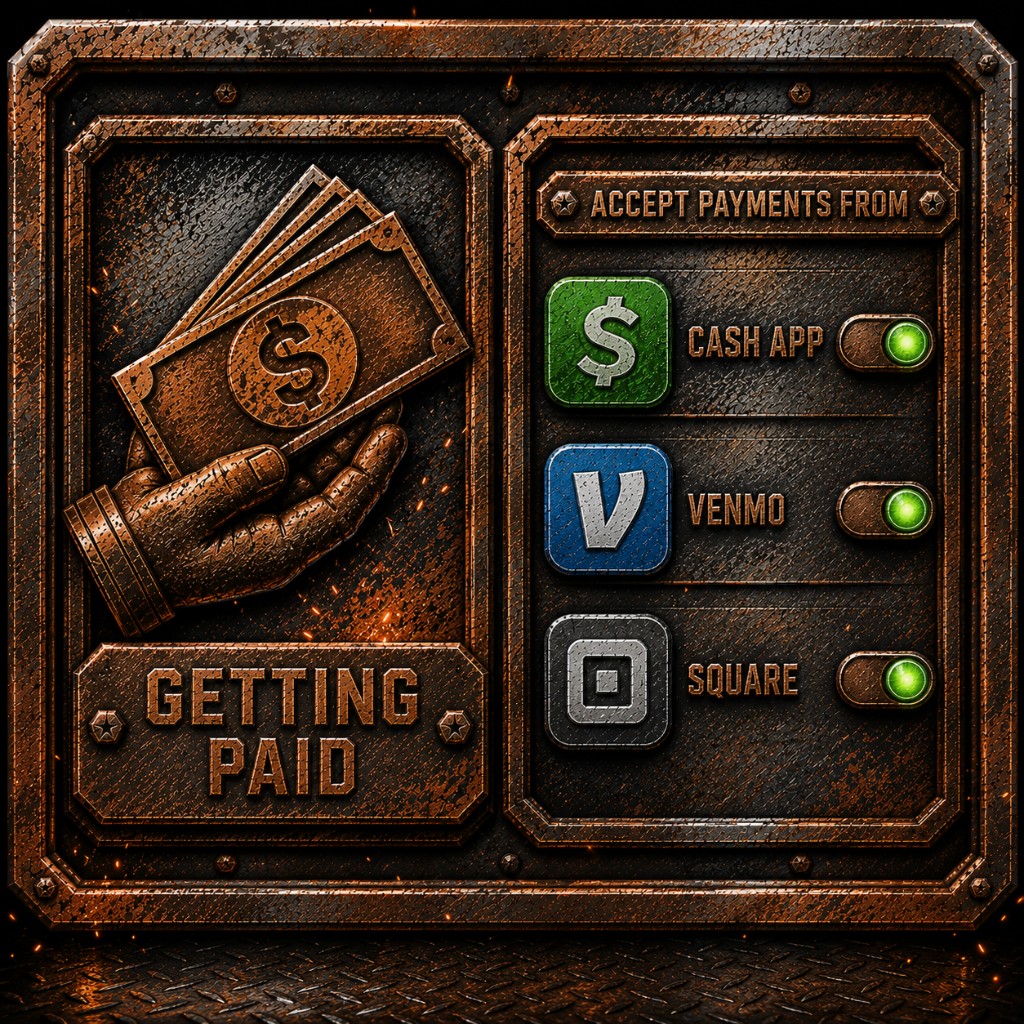
Getting Paid tile artwork

Get paid your way

Cash App, Venmo, Square — tap and go

Get paid your way

Cash App, Venmo, Square — tap and go

Connect the payment apps you already use. Bossman Mode unlocks Getting Paid with Cash App, Venmo, Square, and more — right from the jobsite.

Calendar and crew features

Calendar, crew & employee app

Schedule work and keep the team in sync

Calendar, crew & employee app

Schedule work and keep the team in sync

Calendar for job scheduling, social shortcuts for your business presence, and a separate Employee app build for clock-in, messages, and crew AI on Bossman plans.